Menu style problem
Please go to appearance->menus and check primary navigation on the left side.

This translation is made by Pula Shali. Translated: 89% Description: It’s not 100% finished yet but it’s cover al the basic Download nl_NL
Please go to appearance->theme options->blog and posts->posts settings->search->Default Post Type
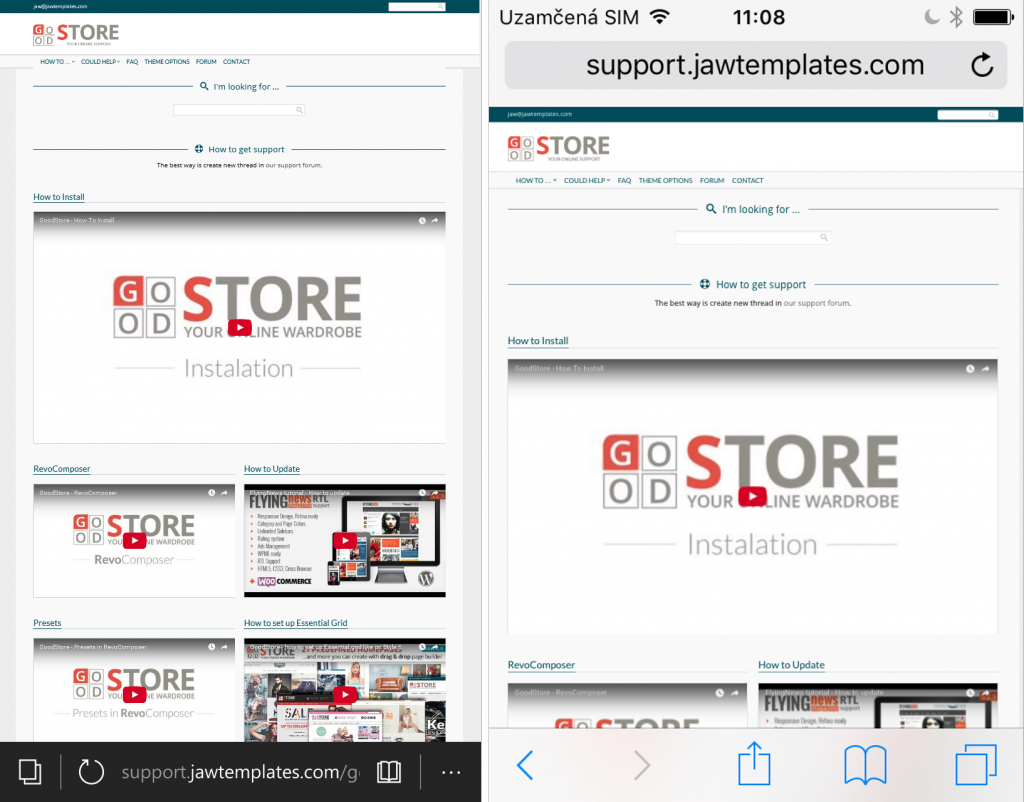
Open ../goodstore/header.php and this code <meta name=”viewport” content=”width=device-width, initial-scale=1.0, maximum-scale=1.0, user-scalable=0″ /> replace by this: <meta name=”viewport” content=”width=1366″ /> And into Theme Options -> ...
If you have updated to WooCommerce 2.3.2 with GoodStore theme version < 2.1.1 the plus and minus buttons dissepear. You will have to download and install this plugin for displaying plus and minus buttons back, or simply install the latest version of GoodStore theme. Problem with quantity input Wo ...
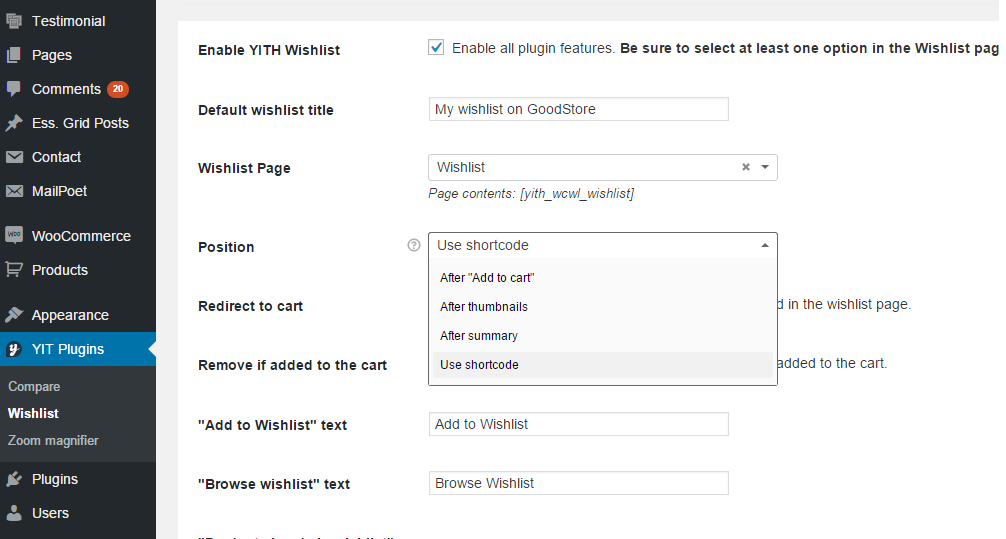
Just go to YIT Plugins -> Wishlist -> and Position set to “Use shortcode”